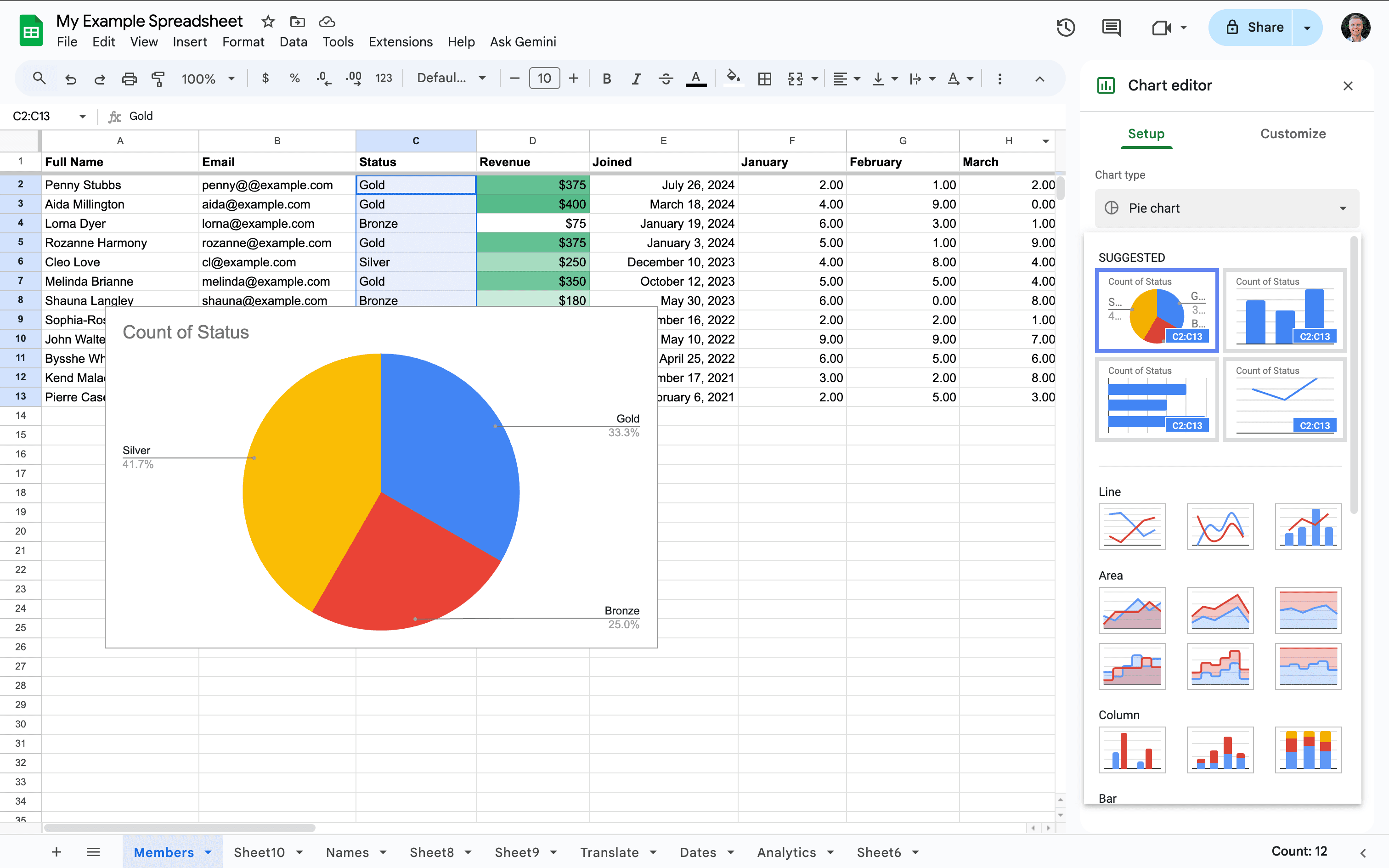
Not every agency needs a full CRM integration, but that shouldn't mean adding properties to Wooma one at a time. The Google Sheets & CSV import lets you bring your whole portfolio, or just the new additions, into Wooma in one go from a spreadsheet, however it's exported.
- Import properties in bulk from a CSV file, Google Sheet or Excel spreadsheet
- Duplicate detection checks incoming records against properties already in Wooma, so nothing gets added twice
- Add new properties to your books in a single upload as your portfolio grows, rather than entering them manually
- No CRM integration required, ideal where a full sync isn't available, or isn't needed
- Works alongside any of Wooma's other integrations, or on its own
To use this integration, get in touch with your Wooma account manager.
This integration is free.
Frequently asked questions
Which Wooma plans include the Google Sheets & CSV import? The Google Sheets & CSV import is available on all Wooma plans.
Are there additional costs for this integration? This integration is free.
How do I enable the Google Sheets & CSV import? To use this integration, get in touch with your Wooma account manager.
Do I need a CRM integration to use this? No. This import tool is ideal where a full CRM sync isn't available, or isn't needed, and it works alongside any of Wooma's other integrations, or on its own.